

Free, sunny & 100% offline ☀

Your memories,
every screen.

Turn your photos and videos into a rich, multi-monitor screensaver and live presentation experience—with dozens of transition effects and smart handling when media folders are empty or unavailable.

✓ Free to use ✓ No uploads, ever ✓ Works without internet
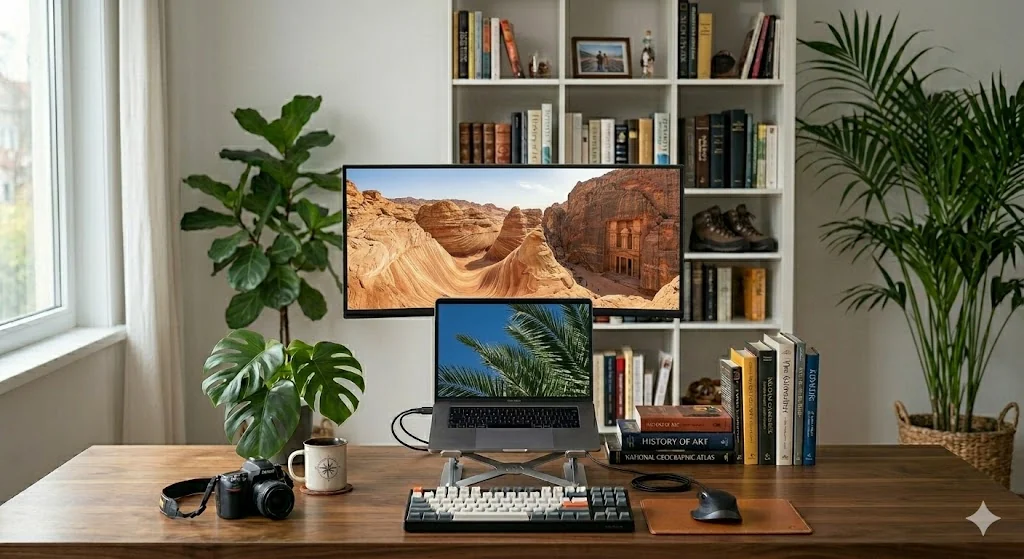
Memory Screen Saver Plus slideshow running on an external display
Why I built this

30 years of memories, finally seen.

Over the last 30 years I've gathered family pictures and videos — birthdays, holidays, ordinary afternoons that turned out to matter most. My archive grew to more than 100,000 images and videos, far more than I could ever realistically sit down and look through.

I longed for a way to simply enjoy them again — to have them quietly resurface while I worked, or fill the room when the computer sat idle. Nothing did quite what I wanted, so I built it myself.

Memory Screen Saver Plus is the result: a tool that brings those moments back to life across every screen you own. It's completely free and unlimited, it works entirely with your local archive, and it never uploads anything or needs an internet connection — except to check for updates. Your memories stay yours, on your machine.

30 yrs
of family memories
100,000+
photos & videos supported
$0
free & unlimited, forever
100%
offline & private
Built for real archives

Far more than a slideshow

Point it at your folders and it does the rest — across one monitor or all of them.

🪟

Live Presentation Mode

Keep memories on screen in floating or full-screen frames while you keep working — no lock, no interruption.

Presentation mode guide →
🖥️

True multi-monitor

Run on your primary display or span every connected screen — each with its own independent panels and timing.

Multi-monitor setup guide →
🎬

Photos and videos

One rotation blends JPG, PNG, GIF, BMP, and TIFF images with optional MP4, AVI, WMV, and MOV clips.

29 transition effects

Slides, spins, fades, splits, spirals, chess reveals and more — pick your favorites or enable them all.

📁

Your folders, your rules

Drag-and-drop folders, toggle subfolders, filter by file type, and choose random or sequential order.

Organize media folders →
🛡️

Resilient playback

Built-in fallback images when user media is missing; corrupt, cloud-only, or unsupported files are skipped gracefully.

🏷️

Filename overlays

Optional on-screen labels with full path, relative path, or file name only — plus custom font and color.

🌱

Free to use

No ads, no subscription, no paywall — enjoy your memories without limits.

See the app

Simple settings, deep control

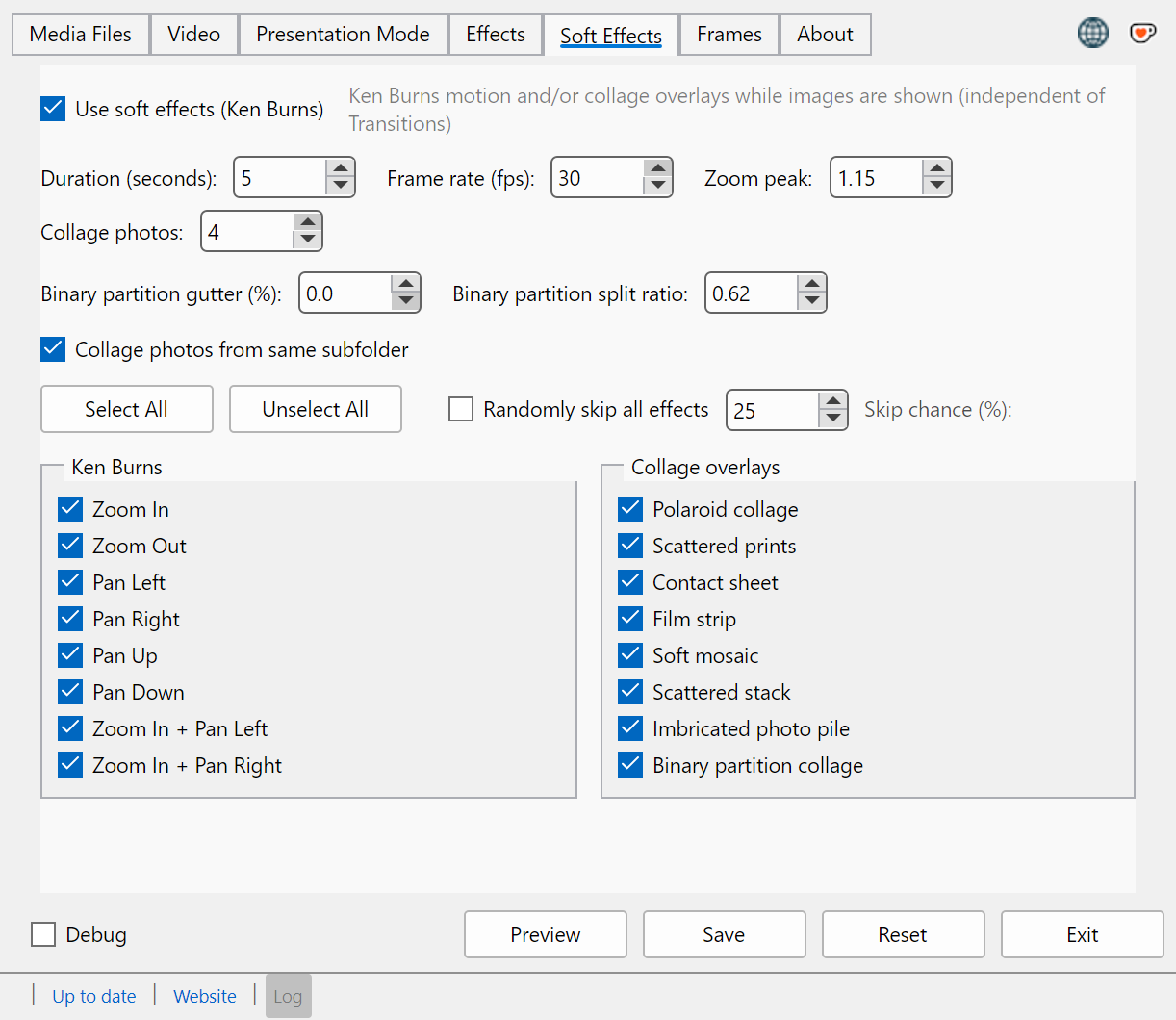
Tabbed configuration covers media folders, video, presentation layout, transition effects, and more — with preview on every monitor before you save. See the multi-monitor setup guide →

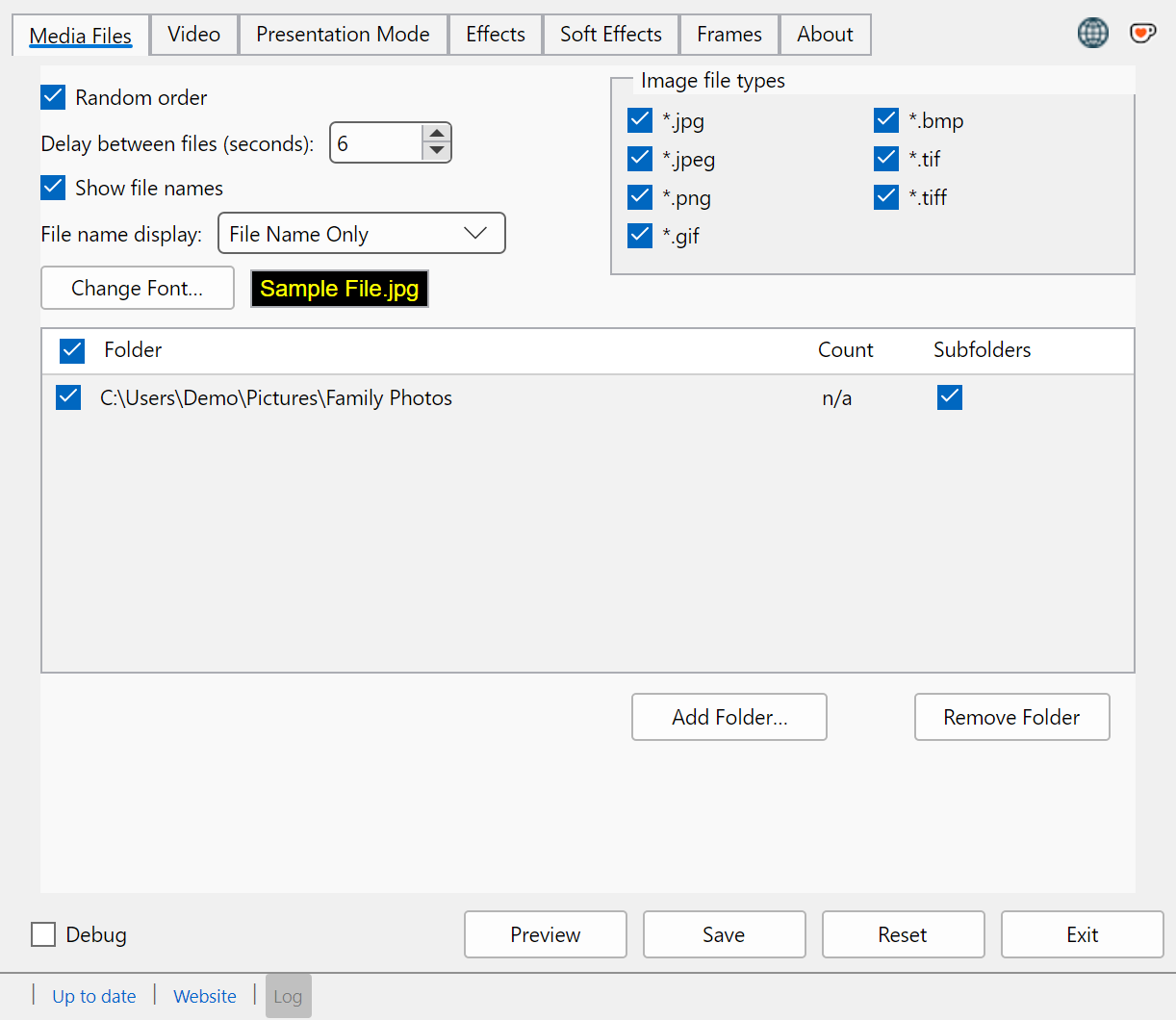
Media Files tab — monitors, delay, folders, and image file types

Add folders by drag-and-drop, toggle subfolders, filter image types, and choose multi-monitor or primary-only display.

The standout feature

Screensaver by night.
Presentation by day.

Live Presentation Mode keeps your media visible without locking your session — perfect for a desk display, a studio reference wall, family photos during a gathering, or ambient visuals on a second monitor.

  • Frame mode: start with 1–6 floating, resizable windows — add more anytime via right-click New presentation frame
  • Full-screen mode: cover selected monitors while you keep working
  • Each frame keeps its own history for forward / back navigation
  • Start from Settings, a Start Menu shortcut, or the /l command
  • Keeps running while you work in every other app

Read the full Presentation Mode guide →

Memory Screen Saver Plus — Presentation Mode
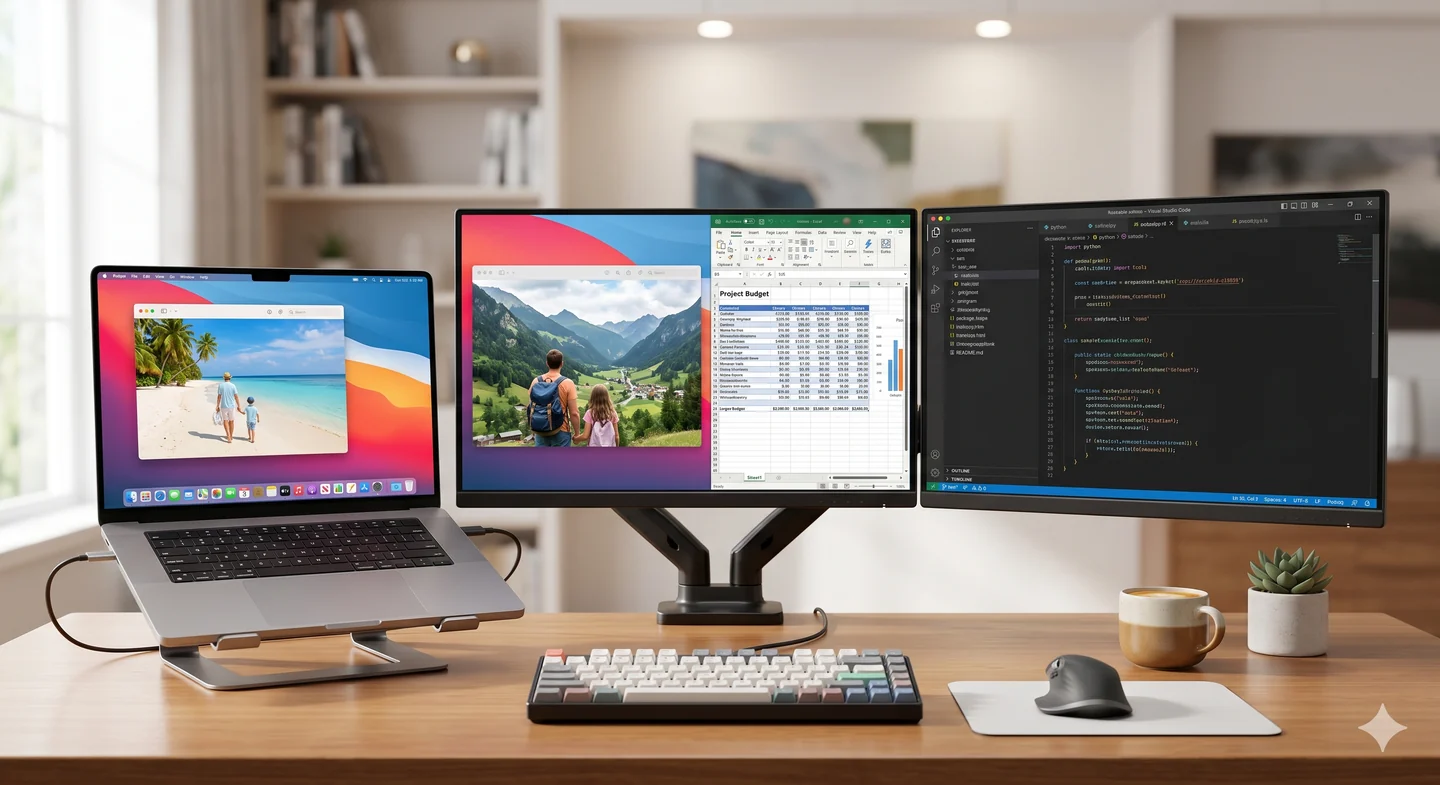
Memory Screen Saver Plus Live Presentation Mode with floating frames
Setup & help

Guides

Step-by-step walkthroughs for multi-monitor setup, Presentation Mode, folder organization, and common questions.

🖥️

Multi-monitor setup

Install, add folders, choose displays, and activate as your Windows screensaver on Windows 10 and 11.

Read the guide →
🪟

Presentation Mode

Floating frames and full-screen layouts while you keep working — no session lock required.

Read the guide →
📁

Organize media folders

Group photos and videos by date or event so collage and slideshow keep related memories together.

Read the guide →

FAQ

Privacy, supported formats, large archives, troubleshooting logs, and how to get support.

Browse FAQ →

Download Memory Screen Saver Plus

Latest version · released · for Windows 10 & 11

Download the installer
Operating system
Windows 10 or later (x86 & x64)
Runtime
.NET Framework 4.8 (usually preinstalled)
Video playback
Windows Media Player (optional)
I'd love to hear from you

Feedback & contact

Found a bug, have an idea, or just want to share which photos showed up today? Use the form — it’s the only way messages reach me, and I read every one. Check the FAQ first for formats, privacy, and troubleshooting tips.

  • ✉️
    All feedback & support Bug reports, feature ideas, questions, and thank-you notes all go through the form. I reply by email when a response is needed.
    Please don’t use GitHub or other channels for support — the form keeps everything in one place.
  • Support development Optional one-time or recurring tips on Ko-fi. Completely separate from bug reports and feedback.
  • 🛠️
    Troubleshooting log The log is a text file on your computer only — nothing is uploaded automatically. In Settings, click Log to open it. For bug reports, copy the last 30–50 lines and paste them into your message below.
    Saved locally at %TEMP%\MemoryScreenSaverPlus.log on the machine where the app runs. Open it from Settings → Log, then paste relevant lines into the message field.
So I know how to greet you in a reply. First name is fine.
Required so I can write back. Your address is only used to respond to this message.
Helps me prioritize. Choose Bug report if something isn’t working as expected.
For bugs: what you expected, what happened, and your Windows version. Paste log lines from Settings → Log if relevant — the log stays on your PC until you copy it here.